web accessibility is not optional. It has become an essential component of modern business.
My first question is:
Have you ever noticed whether your website is accessible to all people or not?Through this blog, we want to tell you that if you have a website, have you ever considered whether it is accessible to all people?. Web accessibility has become very important in today’s world, and if you are not paying attention to this, assume that you are costing real money, customers, and even legal risk. In 2025,
What is Web Accessibility?
Web accessibility It involves ensuring that websites and apps are accessible to all users, including those with disabilities.
If you want to read in detail: Why is web accessibility important?
Ex: Think about it this way: just like buildings have ramps and elevators to help folks who use wheelchairs, websites need to have features that help people who may be blind, deaf, or have difficulty using a mouse or keyboard.
It’s all about inclusion — giving all users equal access to online information, tools, and services.
Web accessibility remains a critical concern in 2025, with many websites still struggling to provide equal access to all users.
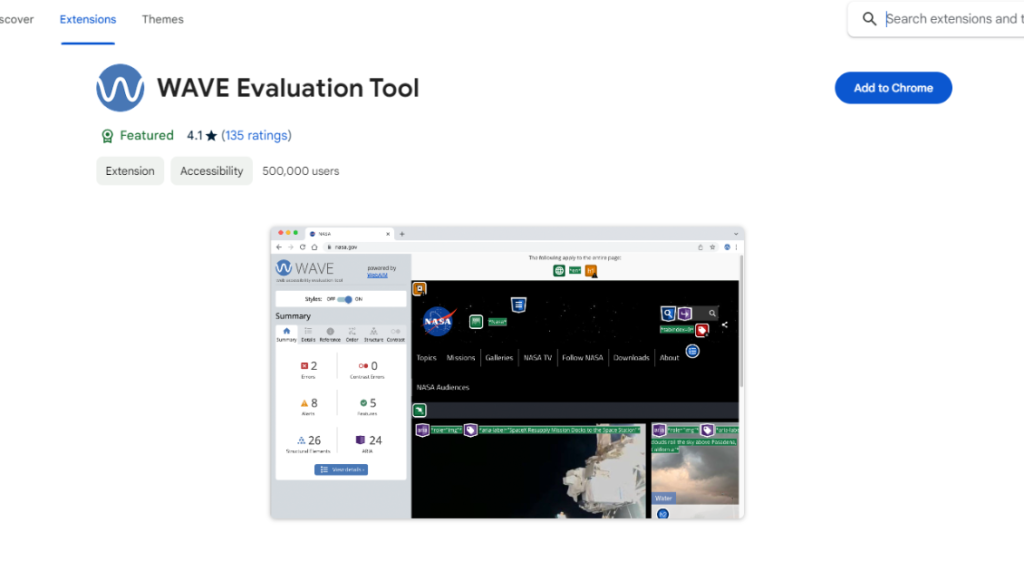
You are not sure if your website is accessible or not, so you can check it using my free web accessibility checker.
Here, I am sharing a group of disabilities:
- Auditory: Those people hearing loss
- Cognitive, Learning and Neurological: People who might struggle to grasp material. Recall a clear structure, consistent labelling, predictable links and plain language. This benefits everyone, disabled or not.
- Physical: People who have trouble controlling their muscles or their senses, or who have joint problems or are missing limbs. Don’t forget to support assistive technologies like switches and voice recognition, and make sure your target sizes are big enough. The target size is the area that can be clicked on or tapped on in an interactive element.
- Speech: Some people are unable to communicate verbally. You should not limit your service to only being voice-based.
- Visual: The People who are blind
Why Does It Matter?
Many people — millions, in fact — rely on things like:
Screen readers (software that reads text out loud)
Direct navigation using only the keyboard (for those who are unable to use a mouse)
Color contrast (for people with vision issues). you can check here
Text alternatives for images (so screen readers can explain visuals)
If your website doesn’t support this stuff, some folks literally can’t use it — and that’s a big deal. You’re unintentionally locking people out.
Plus, in places like the United States, it’s not just the right thing to do — it’s also the law under the Americans with Disabilities Act (ADA). Businesses have faced lawsuits for their inaccessible websites.
Here I am sharing some Web accessibility issues
- Missing Keyboard Navigation Support:
Many users prefer not to use the mouse and instead rely solely on the Tab key, arrow keys, and Enter key. If your website isn’t navigating through all of these keys, you’re losing that type of group of users.
All interactive elements should be focused.
2. Poor Contrast Text: Low contrast text remains the most widespread accessibility issue in 2025, affecting 79.1% of websites, according to the WebAIM Million report. The issue creates significant barriers for users with visual impairments, colour blindness, or those browsing in bright environments.
3. Leaving empty links and buttons:
45.4% of websites contain empty links, while 13.7% use ambiguous link text like “click here” or “read more” that provides no context to screen reader users.
4. Missing alternative text:
The Problem: 55.5% of websites have images missing alternative text in 2025. This condition means that screen reader users cannot access the content or meaning of these images.
5. Empty form label
48.2% of websites have inaccessible forms, particularly missing form input labels. This statistic creates significant barriers for users navigating with screen readers or keyboard-only input.
How Do You Make a Site Accessible?
Here’s a quick cheat sheet:
- Use Alt text for all images
- Make sure colors have enough contrast
- Let users navigate with the keyboard (not just a mouse)
- Use proper HTML heading structure (
<h1>to<h6>) - Add ARIA Labels for clarity
- Avoid auto-playing audio or video
- Always test with a screen reader
If you want to know in detail, click the link: How to fix the most common Accessibility errors,